First step is to go KEIL website. When you reach the download section of the site, It will ask some questions, you have to fill those questions with your personal information. After that you will see MDKxxx.exe. After you click, download will start, once you finished downloading install the IDE as standard as you install any software.
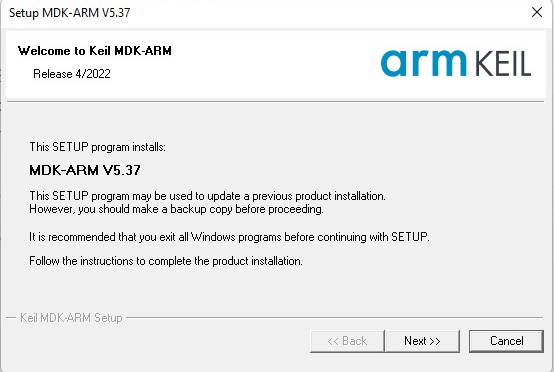
When installation is start it will automatically setup all necessary drivers. Once the installation is finished Pack Installer window will appear.
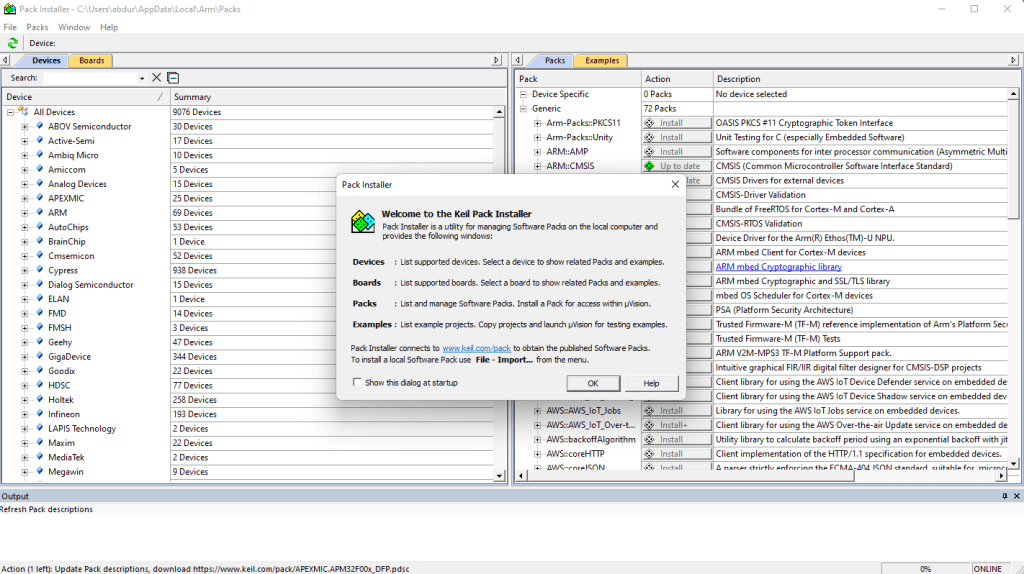
Inside the Devices tab, search F411RE. If you are using another board for development search according tot your board specifications.

Once you select the right MCU install (it’s already installed on my computer) icon will appear in packs window. Wait until installation is done. Then close the window.
uVision IDE is installed and you are ready to move next step. Well done!
 Blog about electronics